Edit the prenote before saving it
Generate the prenote
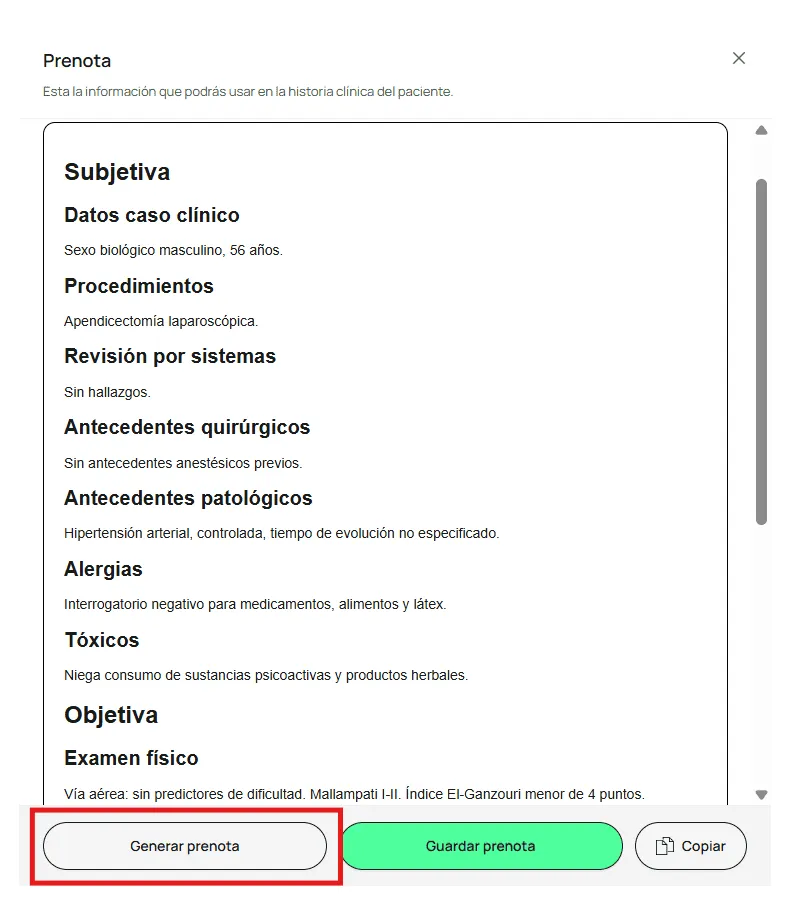
Once all the case information is complete, click Generate prenote. The note is built from the case data, ready for you to adjust.
Edit and format the text
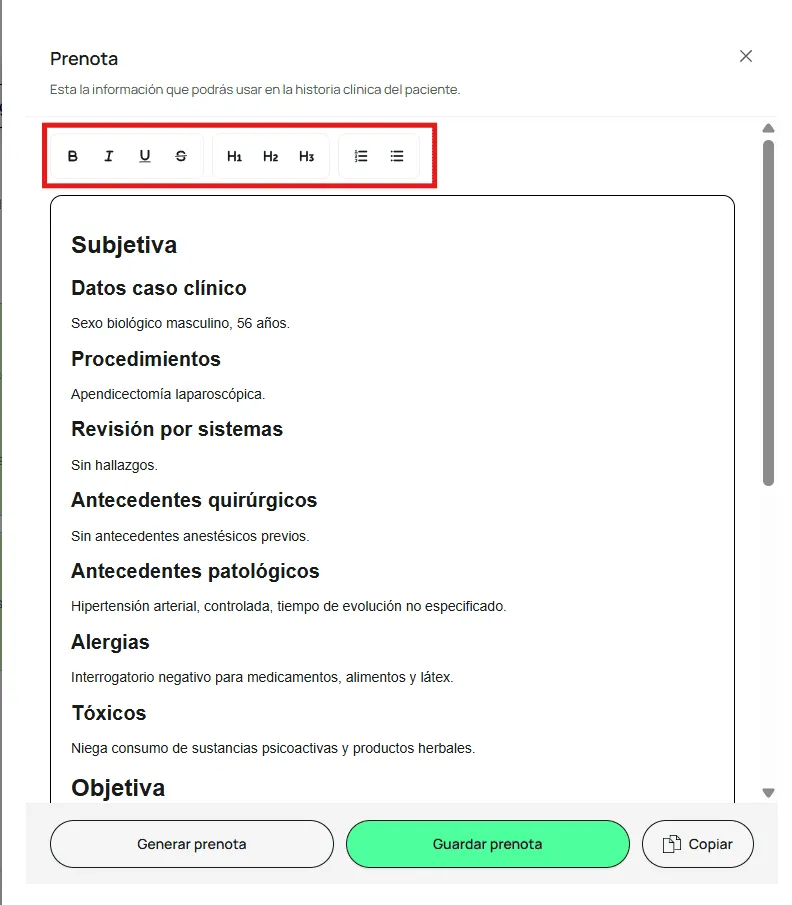
Type, change, or delete text directly in the note; select the text you want to change. Use the toolbar to apply bold, italics, underline, or strikethrough, change the size with the headings (H1, H2, H3), and create lists.
Save the prenote
When the note is ready, click Save prenote.
Your prenote is saved and ready to use. To move it to your medical record, click Copy.
What if something goes wrong?
You generated the prenote again and the content was duplicated
Each time you generate, Morton adds the new content without erasing your edits. It works best to generate first and edit afterward, and to delete anything that no longer applies before you save.
Related articles